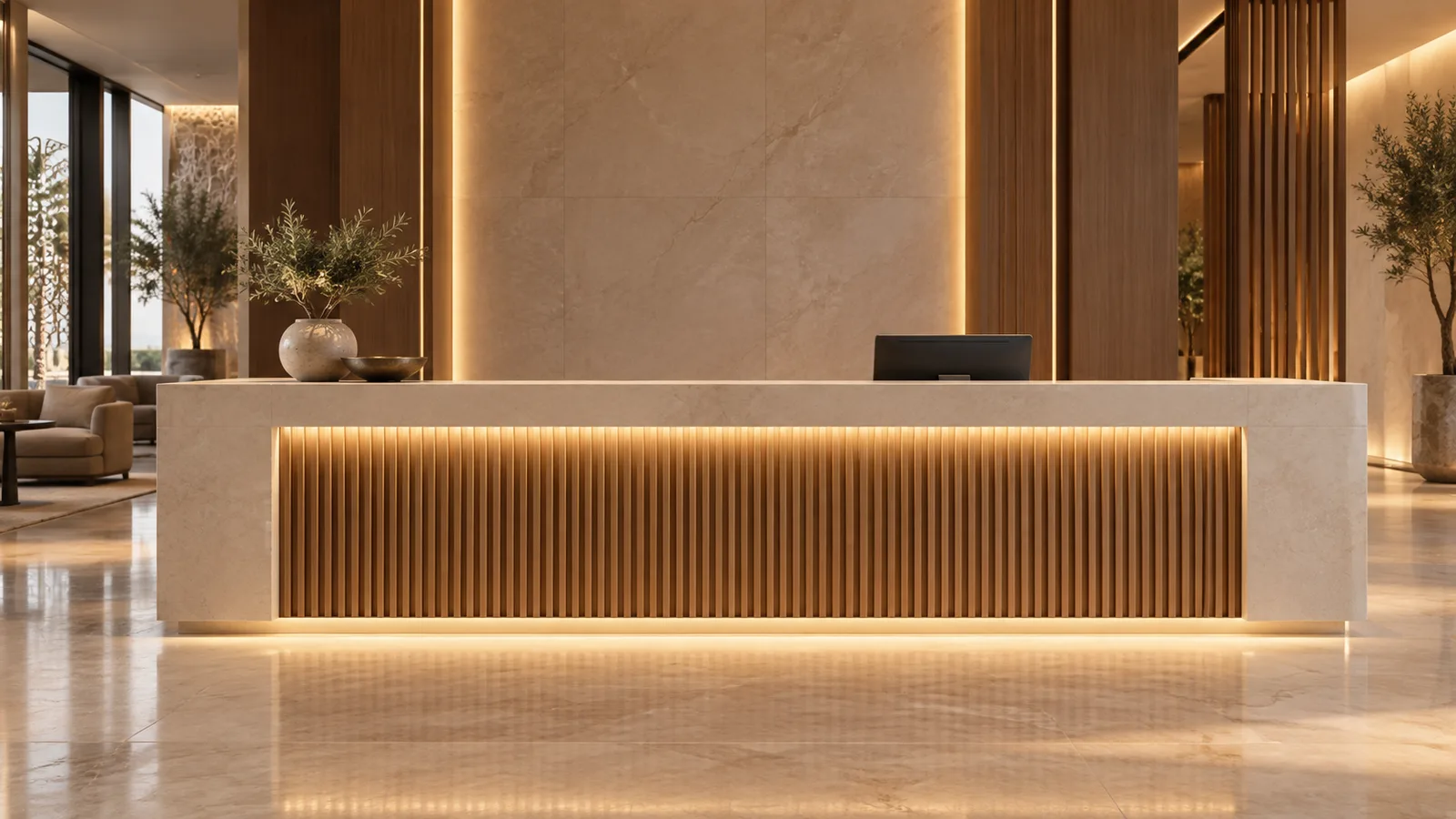
For most reception counters, start with a concealed front wash or a restrained plinth accent, then provide staff task lighting separately where it is needed. The best layout keeps the LED source out of visitor sightlines and avoids reflections in the staff screen. A brighter decorative strip is not a substitute for an approved working-light arrangement.
These five layouts address different counter details in UAE, Saudi and wider GCC fit-outs. Choose by the surface being lit, normal viewing positions and service access. Local project requirements remain a separate check; a desk-lighting concept does not establish destination approval.
Decide which job the light must do
Mark the visitor approach, seated and standing positions, staff monitor and writing area on the counter drawing. Identify whether the strip is intended to reveal texture, outline the counter, illuminate documents or support a color-changing feature. Give independently adjusted functions separate control references.
For monitor-based work, OSHA’s workstation guidance recommends arranging lighting to limit direct and reflected glare, with supplemental task lighting where needed. Use that ergonomic principle when checking the staff side. It is not a UAE or Saudi lighting approval, and no numerical office requirement is being applied here.
Sample the chosen CCT beside the actual stone, timber and adjacent lobby lighting. The catalog options below include 3000K, 4000K and 6500K; confirm the exact ordered variant. Do not assign one CCT to every Gulf reception space without a finish comparison.
Five layouts to compare on a joinery sample
1. Concealed front wash beneath a projecting counter lip
A front wash reveals the panel’s texture. Position the profile so the visitor sees the lit surface rather than the bare strip. Check the projecting lip at both standing and seated eye positions; a source hidden from the designer’s overhead view may still be visible to a guest.
The 8mm CRI80 COB model lists 10 W/m and DC12/24V variants. It is a decorative-detail sample candidate. Compare the actual wash and color appearance before approval; wattage alone does not predict uniform illumination of the panel.
2. Recessed plinth accent at the desk base
A recessed plinth line gives a subtle floating-counter effect. Check reflections in the floor finish: a polished floor can reveal a line that was concealed from direct view. Increasing output may make that reflection more intrusive.
Coordinate cleaning access, exposure to mop water and cable entries. Confirm the required construction with the responsible designer; an indoor location does not mean the plinth will never be wet. Do not treat the generic catalog’s “confirm for selected construction” entry as a confirmed protection rating.
3. Narrow illuminated groove in the counter front
An illuminated groove suits a drawing that calls for a fine, integrated line instead of a broad wash. The 5mm CRI90 COB model lists 8 W/m and DC12/24V variants. Its PCB width helps with sample selection, but the complete profile, cover and termination need more space than the PCB alone.
Check the groove’s usable width, depth and cable exit before cutting production joinery. For a directly visible line, evaluate the final optic and viewing distance. A COB source does not guarantee an acceptable result through every shallow or dark cover.
4. Shielded staff-side linear task detail
Use this where the joinery includes a shelf or overhang that can support a task light without shining toward the visitor. Evaluate documents, keyboard and screen together. Check whether staff can adjust task lighting independently of the front accent.
The 8mm CRI95 COB model lists 12 W/m and DC12/24V variants and can be included in a sample comparison. Its catalog CRI is not proof of adequate desk illuminance or screen comfort. The designer must verify the finished task arrangement; additional luminaires may still be necessary.
5. Separate tunable-white accent for changing lobby scenes
Use this only when the brief calls for a changing white appearance and the operating team will use that function. The 8mm COB480 tunable-white model lists WW+W channels and DC12/24V variants. Confirm the control topology and maximum combined load for the selected system.
Keep the staff task function stable or separately adjustable if changing accent scenes would disturb work. Two fixed-CCT strips attached to one ordinary dimmer are not automatically a tunable-white system. Compare tunable-white control options before specifying the interface.
Approve the desk from both sides
Build a sample of the most constrained detail using the intended strip, profile, cover and surface finish. Use correctly rated supplies and controls. Isolate power before changing connections, and have qualified personnel handle mains work.
| Acceptance check | What to observe |
|---|---|
| Visitor approach | Source concealment and counter appearance |
| Seated visitor position | Bright line under the lip or in a visible groove |
| Staff position | Screen reflection and useful light on documents |
| Day and evening scenes | Balance with windows and adjacent lobby lighting |
| Maintenance access | Reachable supply, joints and replaceable sections |
Run the intended dimming scenes, then check power restoration and local staff controls. Record the agreed settings and whether each function changes together or independently. If light balancing depends on separate outputs, put that in the schedule rather than relying on the operator to compensate manually.
Ask the installer to assess temperature limits and ventilation inside the counter, including the driver compartment. Air conditioning in the lobby does not establish the conditions in a closed joinery cavity. Keep joints and supplies accessible without removing the stone top unnecessarily.
Prepare a quotation that matches the detail
Send sections showing usable profile dimensions, the lit surface, cable routes and access panels. Include metres per voltage/CCT/construction, branch lengths, control groups and the approved sample reference. Attach the reception drawings to the enquiry, or consult the GCC market page for destination questions.
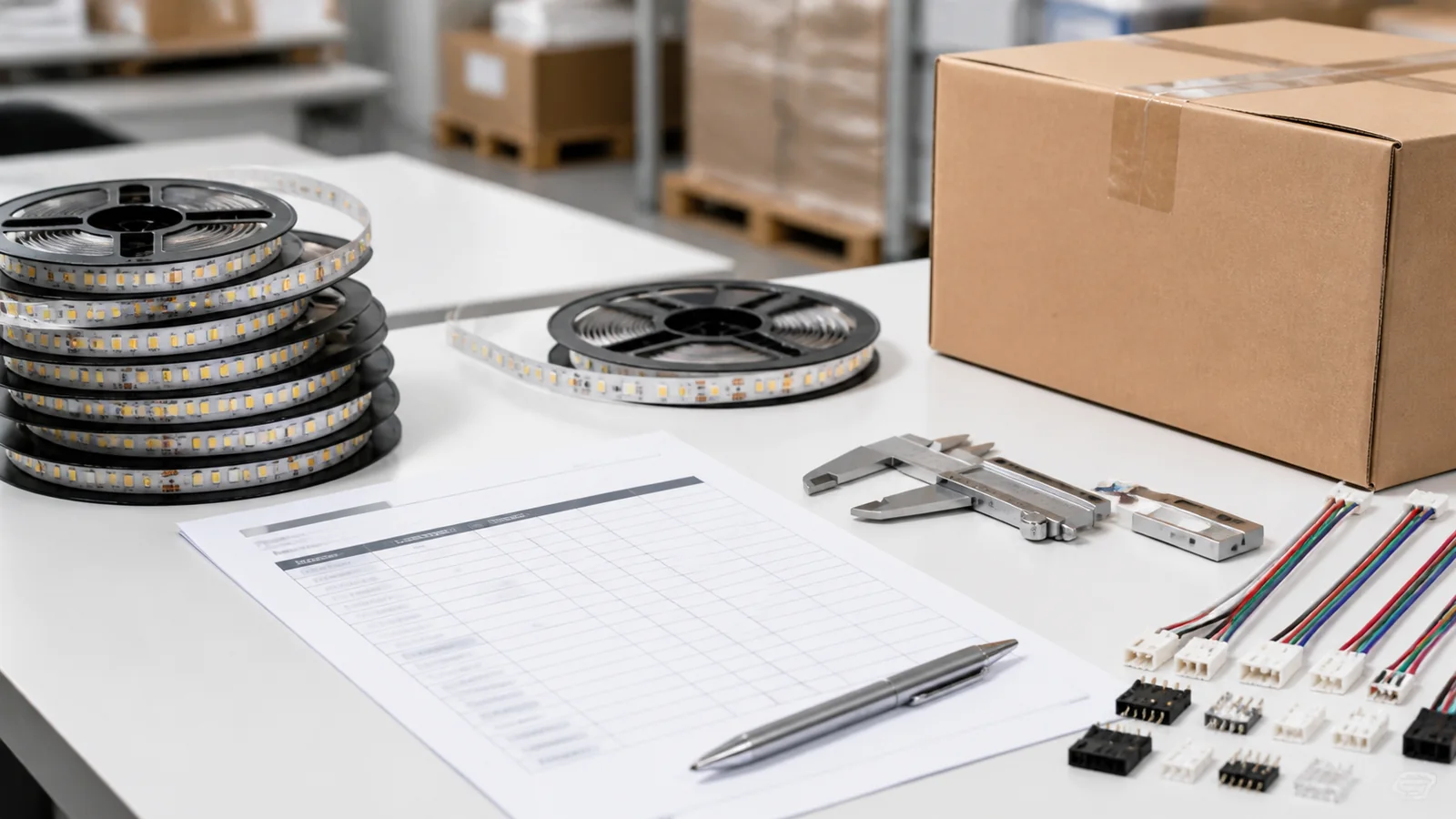
LEDStripStar’s standard MOQ is 500 m per specification; OEM/private-label MOQ is 2,000 m per specification. A single counter may not justify a factory bulk order. For a multi-site fit-out, separate the specification totals from individual counter lengths and confirm any cutting or assembly scope in writing.
Catalog & Sourcing Note
This article is prepared from our current product catalog and B2B specification workflow. Electrical, waterproofing and installation requirements vary by model and market, so confirm the final specification and approved sample before ordering.
Discuss Your Specification