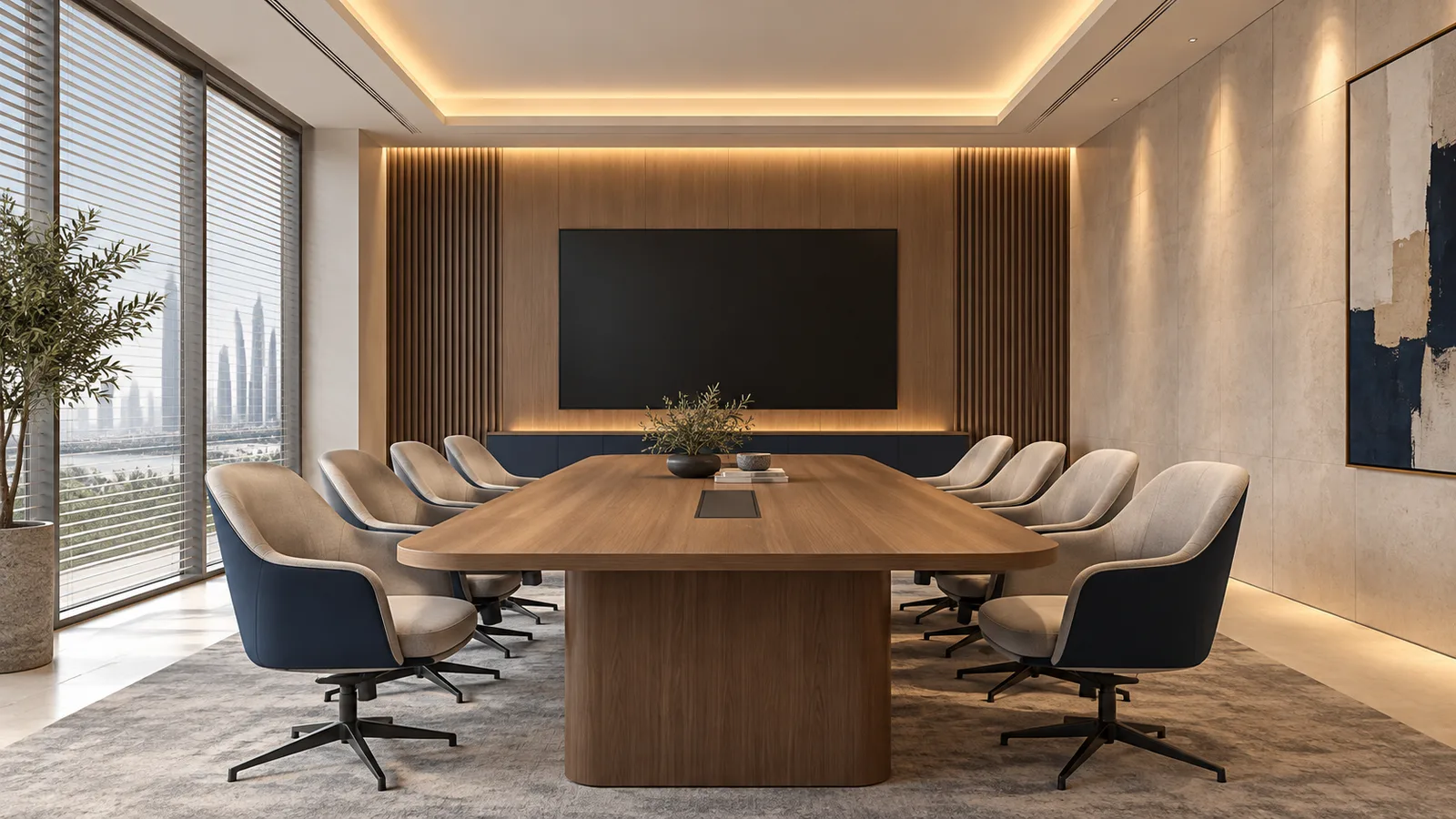
For a GCC meeting room used for discussion, presentations and video calls, start with a concealed ceiling cove and separately controlled lighting away from the main display. Add other strip details only where they serve a defined purpose, checking screen readability, faces on camera and equipment access in the finished room.
These five options suit different room details in UAE, Saudi and other GCC fit-outs. They are planning choices for strip lighting, not a complete office-lighting calculation. Required task illumination, emergency lighting, electrical installation and destination-market acceptance need project-specific review.
Choose by the room's working scenes
Write the scene requirements before choosing a strip. A bright ceiling perimeter may look attractive in an empty room but create a reflected line in a display or distract viewers during a presentation.
The OSHA workstation-environment guidance recommends controlling direct and reflected glare and using diffuse or shielded lighting around displays. Those are useful design checks here. Its guidance is not a GCC project approval or a substitute for the applicable local lighting brief.
Compare each layout by source concealment, screen reflections, camera view, contribution to the intended activity, independent control and maintenance access. A room with a dark projection screen needs a different presentation scene from a room where people read printed drawings throughout the meeting.
| Room use | Acceptance question |
|---|---|
| Discussion with printed documents | Is the table adequately lit by the complete lighting scheme without an exposed line in seated sightlines? |
| Screen presentation | Can nearby accents be reduced without turning off the lighting people still need? |
| Video meeting | Are faces usable on camera without flicker or a bright background dominating the image? |
| Cleaning and maintenance | Can staff select the working scene and reach drivers without damaging the ceiling? |
Compare five layouts against the room detail
1. Concealed ceiling cove for indirect background light
A cove can spread light onto a suitable ceiling surface while hiding the strip from normal seated views. Check the lip depth, setback and actual ceiling finish with a sample. Glossy surfaces or a poorly concealed source can still create visible lines.
The 8mm CRI80 COB model is a fixed-white sample option, with DC12/24V variants and a listed 10 W/m. Confirm the selected voltage and white CCT. Its catalog power does not establish illuminance on the table. Use the cove-selection guide for source and profile checks.
2. Side-wall wash kept separate from the display wall
Illuminating a side wall can provide a less abrupt background contrast than an otherwise dark room. Check from every seat whether the wall or its trim reflects in the main display. Keep this zone independently controllable so the presentation scene can reduce it where necessary.
A CRI95 COB option can be compared when finish-color appearance matters. CRI alone does not establish beam coverage, wall uniformity or a camera result. Approve the actual wall material and profile together.
3. Recessed linear detail near the table, with optical shielding
A recessed ceiling line may contribute useful light near the table when its optics and location are designed for that task. A visible strip behind a shallow diffuser is not automatically a low-glare office luminaire. Ask the lighting designer to assess the complete fixture and the seated viewing angles.
Check the line in the screen and laptop reflections before fixing its location. Additional strips do not replace a task-lighting calculation. The profile-selection guide explains why strip width, internal clearance and the finished optical detail need separate checks.
4. Narrow joinery accents on storage or shelving
Short concealed strips can help staff see presentation equipment stored in cabinets or identify shelves without adding another bright line above the table. Recess the source and keep the detail clear of door movement and exposed cable paths.
The 5mm CRI90 COB model is a narrow-source option to sample. Its PCB width is not the outside width of the channel. Check the full channel, cover, connector and mounting-clip envelope against the joinery drawing. See the under-cabinet installation guide for placement considerations.
5. Independently controlled tunable-white cove
Tunable-white lighting can support an agreed choice of white appearance between room scenes. Allow for the additional channel and commissioning work, and approve the scenes with the room’s fixed-white fixtures, display and camera. Check each combination for matching white appearance.
The catalog’s 8mm CRI90 WW+W COB model is a two-color white option. Confirm its actual endpoints, selected voltage, controller channel arrangement and maximum permitted combined output. Do not size the system from one white channel alone without checking the operating modes. The UAE tunable-white controls shortlist covers control choices.
Approve a room mock-up with screens and people
Use the intended strip, driver, controller, profile and diffuser on the actual finishes. Keep electrical assembly with a qualified installer and make the mock-up accessible for changes.
Run the discussion scene with documents on the table. Then show a dark slide on the main display and check reflections from every seat. Try the presentation scene without making entry or note-taking uncomfortable. Observe both standing and seated sightlines.
For video calls, use the actual meeting-room camera and conferencing software. Check faces, background brightness and visible banding at the intended dimming settings. Approve camera exposure and white-balance behavior with the lighting scenes. A catalog CRI value does not prove flicker-free recording; use the camera-flicker guide to define that test.
Record the accepted scene settings and any rejected viewing positions. If one zone must be almost off to remove a reflection, review its position or shielding before accepting the design.
Give each zone its own order detail
List the room and zone reference, selected model and voltage, installed length, CCT or white-channel requirement, profile detail, control interface and driver location. Include the accepted scenes, camera test and access arrangement. Confirm cut interval, finished termination and IP construction for the exact model rather than assuming options apply across the range.
The published standard MOQ is 500 m per specification; OEM/private-label MOQ is 2,000 m per specification. A single meeting room may not fit those bulk quantities. For a multi-room package, consolidate only specifications that genuinely match and keep the zone labels and cut lists separate.
Ask the importer and project team to confirm destination-market requirements before ordering. A technically suitable strip sample does not establish regulatory acceptance. Attach the room schedule and mock-up decisions to the quotation request, including unresolved accessory or control compatibility questions.
Catalog & Sourcing Note
This article is prepared from our current product catalog and B2B specification workflow. Electrical, waterproofing and installation requirements vary by model and market, so confirm the final specification and approved sample before ordering.
Discuss Your Specification