The short answer
Choose the controller after you know the strip topology. Match five things: strip voltage, channel or data type, maximum load, control interface and installation environment. A remote that looks compatible is not enough. The wrong controller may light only one channel, reverse colors, fail to address pixels or overheat under the actual load.
For a purchase order, treat the strip, controller, driver, remote or gateway and connector pinout as one system. Ask the supplier to identify each part number and show the approved wiring order.
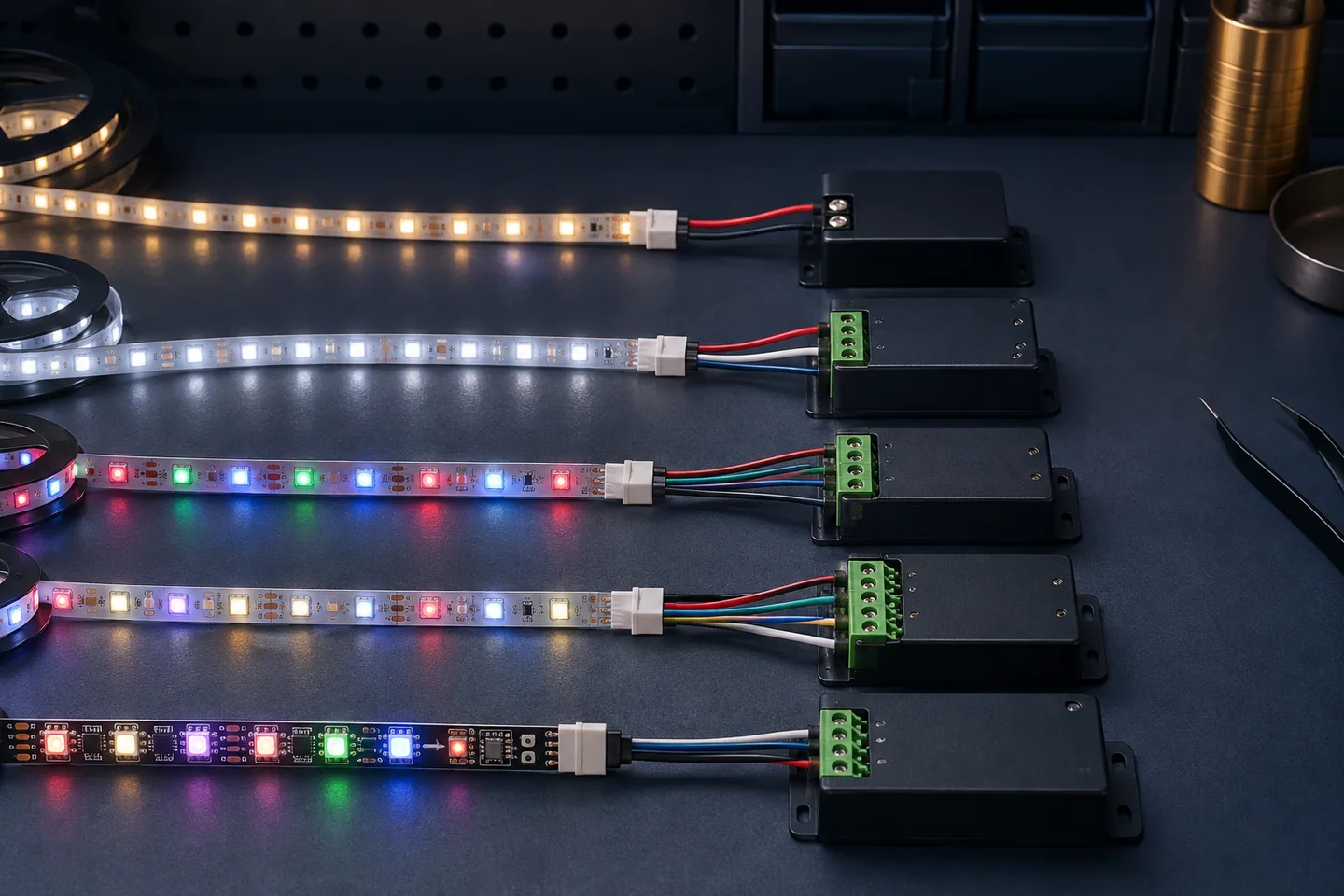
| Strip type | Typical conductors | Controller job | Main buying risk |
|---|---|---|---|
| Single-color | 2 | Brightness control | Voltage or current overload |
| Tunable white / CCT | 3 | Mix warm and cool channels | Wrong common-pole layout |
| Analog RGB | 4 | Mix red, green and blue | Channel order or shared-conductor mismatch |
| Analog RGBW | 5 | RGB plus dedicated white | Underrated total or per-channel load |
| Addressable / SPI | Usually power, ground and data; model-dependent | Send data to controlled pixel groups | Wrong protocol, voltage or data direction |
These conductor counts are common patterns, not universal pinouts. Use the markings and data for the exact strip.
Identify the strip before selecting a controller
Read the pad markings
Photograph a cut point and both ends of the sample. Record the printed voltage, common conductor, channel labels and any data-direction arrow. +, R, G, B, CW, WW, DI and DO describe different electrical roles; wire colors alone do not prove the pinout.
A conventional RGB strip controls the whole connected run together. An addressable strip contains control ICs and accepts a data stream, so it needs the correct protocol and input direction. The addressable versus RGB guide explains this difference before you compare remotes or apps.
Name the required output, not just the user interface
“Wi-Fi controller” describes how the user may send a command, not what reaches the strip. The output could be one-channel PWM, tunable-white PWM, RGBW PWM or a specific digital data protocol. Put both sides in the specification:
- input/control side: wall switch, 0–10 V, DALI, RF remote, Bluetooth, Wi-Fi or building gateway;
- output/strip side: voltage, channels, common-pole arrangement or addressable protocol.
The DALI Alliance system overview distinguishes application controllers, input devices, bus power and control gear. That is useful when a project team says “DALI” but has not yet assigned which device performs each function.
Match voltage, current and channel capacity
Voltage must agree
A 12V strip needs a controller output stage intended for 12V operation; a 24V strip needs a compatible 24V path. Do not apply 24V to a 12V strip. For a low-voltage constant-voltage system, driver output, controller input/output range and strip rating must all agree.
Calculate the connected load
Use the approved watts per meter for the exact model:
connected load (W) = watts per meter × connected meters
Then convert to approximate current:
current (A) = connected load (W) ÷ system voltage (V)
Example: a 24V, 12W/m strip on a 5m branch has a nominal connected load of 60W and an approximate current of 2.5A before design allowance. Do not use this example as a rating for another model.
Check three limits separately:
- total controller output;
- maximum current for each channel;
- current through each connector, cable and PCB feed.
For RGB or RGBW, do not assume each channel always carries one-third or one-quarter of the total. White output can energize several channels together. Use the controller manufacturer’s combined-load rule and the strip’s measured channel behavior.
The driver also needs suitable capacity and protection for the installation. MEAN WELL’s PWM-series description is one primary-source example of a constant-voltage PWM output intended for LED strip applications; it does not make every controller interchangeable with every strip.
Split loads that exceed one controller
For long runs or multiple branches, a qualified design may use separate controllers, repeaters/amplifiers or power injection. Never parallel controller outputs unless the manufacturer explicitly permits it. Size feed cables and injection points using the wire-gauge guide and voltage-drop calculation.
Choose the control method from the project workflow
Local remote or wall control
RF remotes are simple for a room or display, but replacement and pairing must be documented. Specify how a lost remote is replaced, whether one remote can control several receivers and whether receivers retain their last state after power loss.
For wall control, confirm whether the device is a mains-side dimmer, a low-voltage controller, or an input to a dimmable driver. These are different architectures. Do not put a conventional wall dimmer upstream of equipment unless the driver’s instructions allow that exact control method.
App or wireless gateway
Check whether basic operation still works if the internet or cloud service is unavailable. Record the required phone platform, local network band, gateway, account ownership, user-transfer method and firmware policy. For hotels, retail chains or rental properties, commissioning and account handover can matter more than the remote’s feature list.
Building control
For DALI, 0–10V, KNX or another building system, identify the control gear, addressing method, bus or signal cable, commissioning responsibility and emergency behavior. Ask for a bench-tested system diagram. A controller with the right protocol label can still be unsuitable if it has the wrong channel count or output capacity.
Plan zones, synchronization and service access
Define a zone as an independently controlled load. Then list which zones must switch, dim or change color together. For synchronized architectural effects, specify the allowed visible delay and test it with the intended number of receivers.
Keep receivers accessible. A controller buried behind a fixed ceiling may be impossible to pair, reset or replace. Record device locations on the as-built drawing and label every branch with its strip model, voltage and zone.
For addressable products such as the 24V SMD5050 RGB Magic strip, confirm the IC/protocol, pixels per meter, data direction, maximum controller pixel count and injection layout. “SPI controller” alone is not a complete compatibility statement.
Run a system sample, not a strip-only sample
Build the longest representative branch with the proposed driver, controller, cables, connectors and strip. Test:
- power-up and power-loss recovery;
- full brightness and all color/channel combinations;
- low-level dimming, flicker and audible noise;
- remote range and pairing in the actual enclosure;
- app commissioning and account transfer, where used;
- voltage at the start and end of the loaded run;
- controller and connector temperature after stable operation;
- simultaneous operation of all planned zones;
- replacement with a second controller from the production sample.
Use agreed pass/fail criteria. A short strip glowing on a desk does not validate a long installed branch.
LED strip controller purchase checklist
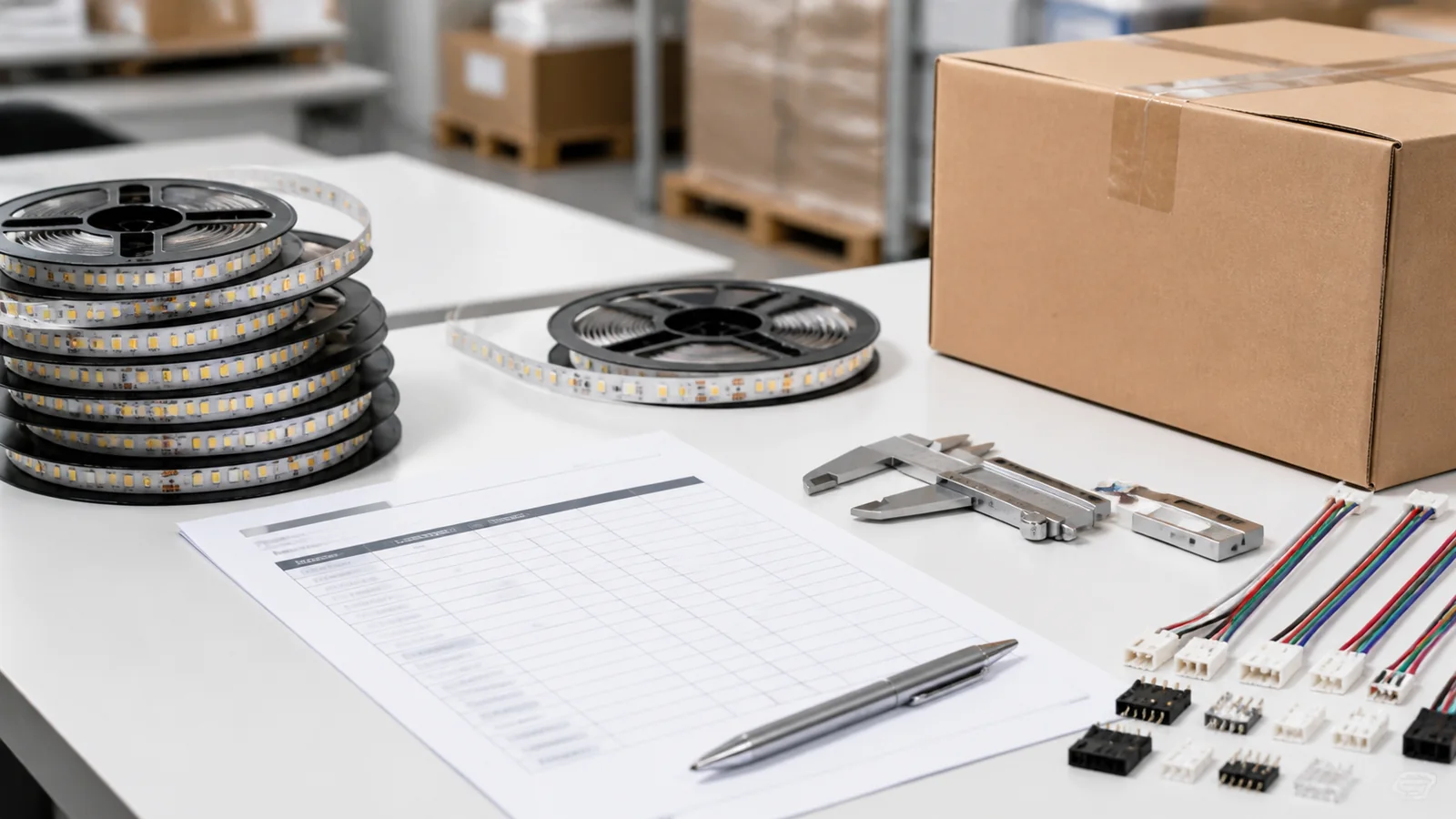
Send these fields with an RFQ:
- exact strip model, voltage and watts per meter;
- single-color, CCT, RGB, RGBW or addressable topology;
- pad order, common-pole arrangement or data protocol;
- meters and calculated load per branch and per zone;
- controller total and per-channel rating;
- driver model and output;
- remote, app, gateway or building-control interface;
- number of zones and synchronization requirement;
- cable lengths, connectors and power-injection points;
- indoor, damp or outdoor placement of every component;
- enclosure, ventilation and service-access plan;
- pairing, reset, replacement and commissioning instructions;
- approved-system sample and wiring photograph.
For tunable-white projects, the 8mm 480 LED/m CCT COB strip lists 12/24V options. The final controller still has to match the selected order voltage and wiring. Include those choices in the quotation request so the proposed components can be reviewed as one system.
Catalog & Sourcing Note
This article is prepared from our current product catalog and B2B specification workflow. Electrical, waterproofing and installation requirements vary by model and market, so confirm the final specification and approved sample before ordering.
Discuss Your Specification