Wire LED strips as controlled parallel branches
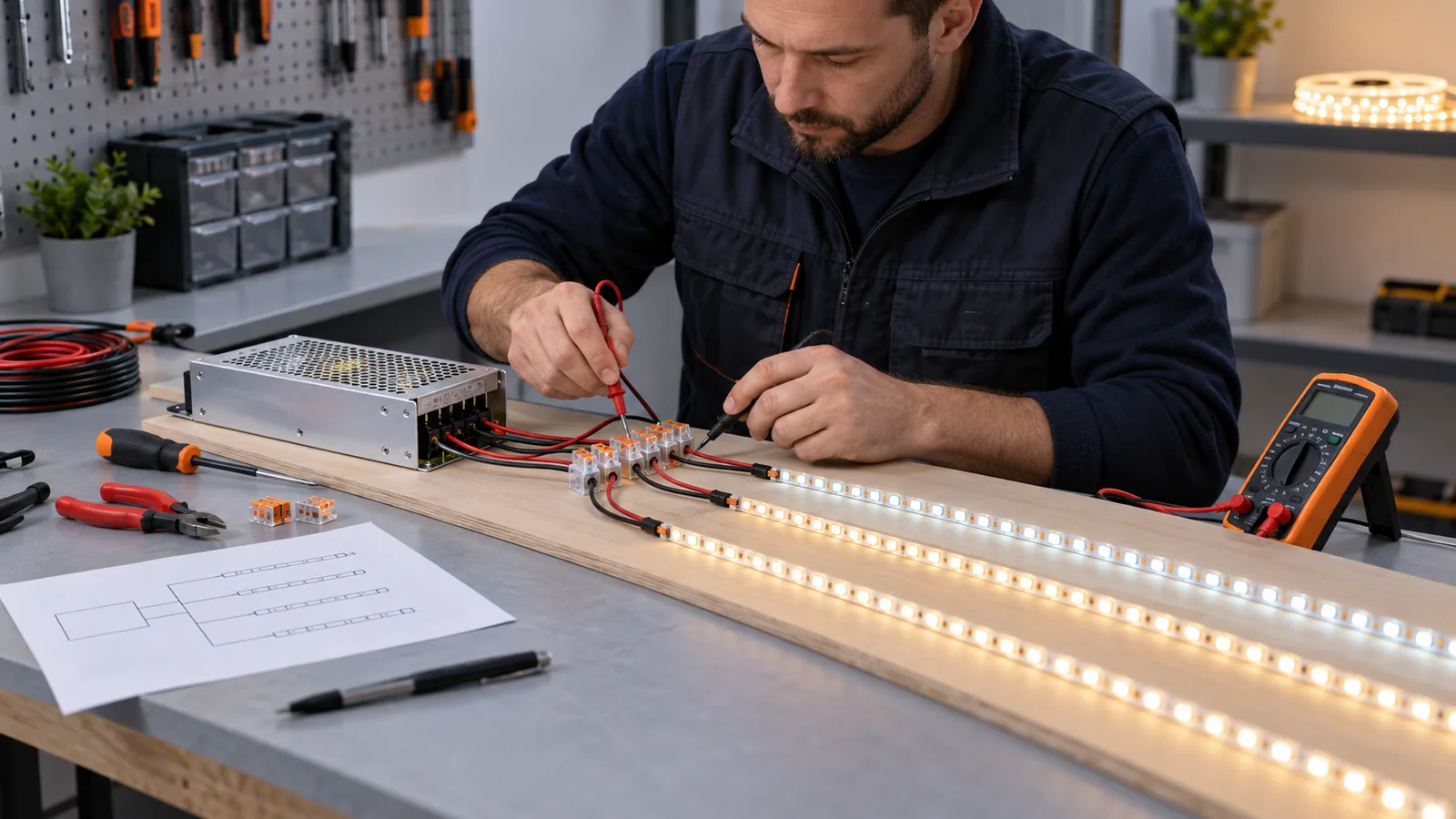
For a typical 12V or 24V constant-voltage LED strip system, connect the AC supply to a suitable power supply, then take the low-voltage output to the strip through a distribution point or controller. Keep positive and negative polarity consistent. When several strips share one supply, give each strip a parallel branch so the full project current does not pass through a chain of reels.
The drawing must identify the strip voltage, watts per meter, length of each branch, cable route, controller channel and feed point. Size the supply, cable, connector and controller for the current that each component actually carries. Test the longest branch at full load before repeating the layout across the project.
Mains connections belong in a suitable enclosure and should be completed by a qualified person under the rules that apply at the installation. The instructions below focus on the low-voltage side. AC220V strip is a different system and must use its model-specific rectifier, connector, end treatment and installation instructions.
Identify the strip before drawing the circuit
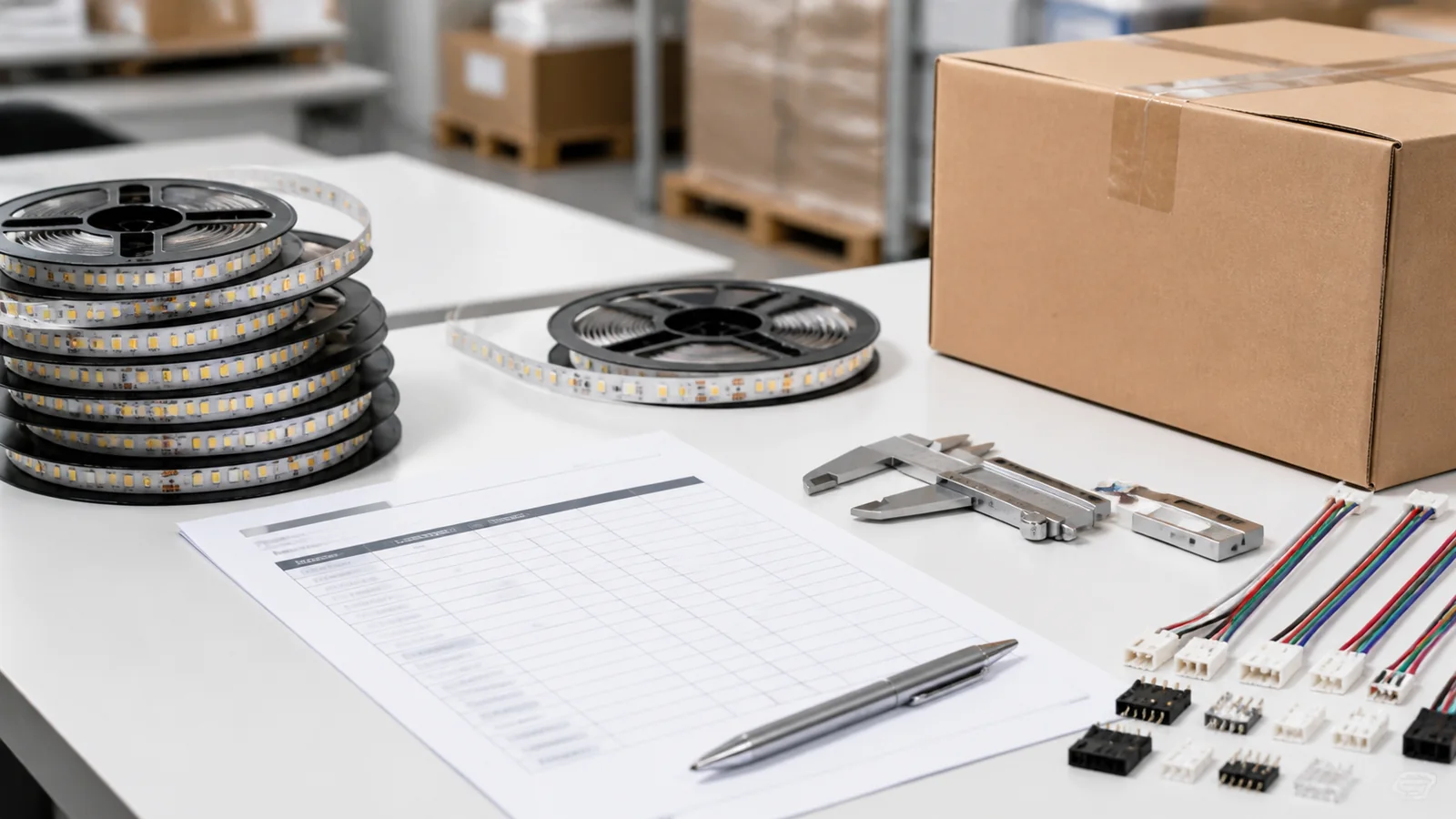
Record the exact model and read the markings on the reel, PCB and packaging. Similar white strips can use different voltages or cutting units. A visual match is not enough.
Confirm these fields:
- rated voltage and whether the product is constant voltage;
- watts per meter and reel length;
- single color, tunable white, RGB, RGBW or addressable control;
- PCB width, copper-pad order and cut interval;
- stated maximum powered length for that model;
- indoor, protected or exposed construction;
- controller input voltage and current per output channel.
Do not connect a 12V strip to a 24V output. Do not assume the red wire is positive after a cable has been extended or spliced. Trace the conductors and verify polarity with the power isolated.
LEDVANCE’s LED strip system instructions show a 24V driver feeding static white strip with positive and negative conductors. The same document places a controller between the driver and tunable-white, RGB or RGBW strip. Treat those diagrams as examples for the illustrated system and follow the documentation for the actual products being installed.
Choose the branch layout before selecting cable
One short branch
A single-end feed is the simplest layout. It works only when the strip and feed cable keep voltage and brightness within the project limit over the complete run. Measure the far end under load. A continuity check does not reveal voltage loss at operating current.
Several branches from one supply
Take separate positive and negative pairs from a protected distribution point to each branch. This keeps the current for one branch out of the copper tracks and connectors of another branch. Add the branch loads to size the supply, but calculate cable loss for each route separately.
Long or high-power runs
Use shorter branches, center feeds, double-end feeds or planned injection points where the product and design permit them. A 20m physical line does not have to be one 20m electrical branch. Put feed locations on the reflected ceiling plan or joinery drawing so installers do not improvise after the finishes are closed.
Several zones or control channels
Divide zones by switching, dimming, color control, cable route and maintenance access. One large power supply may serve several branches, but every output path still needs suitable terminals, conductors and protection. Check the controller’s total rating and its rating per channel.
Our guide to connecting multiple strips to one power supply explains branch loading and distribution in more detail.
Match the conductor count to the strip type
| Strip type | Typical low-voltage conductors | Wiring point to verify |
|---|---|---|
| Single-color constant voltage | 2 | Positive and negative polarity |
| Tunable white | 3 | Common conductor, warm-white channel and cool-white channel |
| Analog RGB | 4 | Common conductor and R, G, B channel order |
| Analog RGBW | 5 | Common conductor and R, G, B, W channel order |
| Addressable strip | Product-specific | Supply, reference conductor, data direction and protocol |
The table describes common arrangements, not a universal pinout. Inspect the copper-pad markings and controller terminals. Two four-wire products can place channels in a different order.
For a static white strip, the power supply output can feed the strip directly when no controller is required. Put a compatible dimmer or controller between the supply and strip when the design calls for low-voltage dimming.
Analog RGB and RGBW controllers switch separate color channels. Keep every conductor paired with the correct pad along the entire route. If an extension cable changes colors at a junction, document the change at both ends.
Addressable strip combines power distribution with a directional data path. Follow the arrows or data labels on the PCB, keep the controller reference conductor connected as specified, and calculate power injection independently from the data route. Review our addressable versus analog RGB guide before choosing the controller architecture.
Calculate current and voltage loss for every branch
Start with the branch load:
Branch power (W) = strip power per meter (W/m) × branch length (m)
Then calculate nominal current:
Branch current (A) = branch power (W) ÷ strip voltage (V)
A 5m, 24V strip rated at 12W/m has a nominal load of 60W and draws about 2.5A. That figure helps size the branch cable, connector and controller channel. It does not replace the manufacturer’s loading, temperature and installation guidance.
Check the one-way cable length as well as the strip length. A power supply mounted 15m from a display can lose voltage in the feed cable before current reaches the strip. Use conductor resistance, circuit length and current to calculate cable drop, then include the loss along the strip PCB. The LED strip wire-size guide gives a repeatable selection method.
Avoid putting the total load through a small connector near the supply. A connector that carries three downstream branches needs a different current assessment from one that serves a single short section.
Use a repeatable installation and test sequence
- Mark every strip zone, branch length, driver and controller on the drawing.
- Verify the model, voltage, power and pad order against the delivered reel.
- Isolate all power before terminating or changing conductors.
- Install the power equipment where ventilation and future access meet its instructions.
- Route low-voltage cables with the selected conductor size and suitable mechanical protection.
- Cut strips only at their marked cutting points.
- Complete joints with model-matched connectors or controlled soldered leads.
- Check polarity and channel order before connecting the strip.
- Inspect for exposed copper, loose strands, poor strain relief and pinched cable.
- Energize one short test section at the confirmed voltage.
- Test the representative full branch, including the longest cable route.
- Measure voltage at the supply, branch start and far end while the strip is operating.
- Check connector and cable temperature after a suitable loaded test period.
- Record the accepted wiring layout and repeat it across matching zones.
For protected strip, cutting and connecting can open the sealed construction. Specify the end caps, cable exits, sealant, cure process and inspection method. An IP description for the uncut strip does not automatically cover a field-made joint. See the waterproof connection guide for the assembly checks.
Include the wiring information in the RFQ
Send suppliers a schedule that states:
- strip model or required electrical and optical specification;
- rated voltage and watts per meter;
- total quantity and length of each branch;
- cable distance from supply to strip;
- single color, CCT, RGB, RGBW or addressable control;
- controller protocol and zoning;
- requested pre-cut lengths, lead lengths and connector type;
- feed direction, polarity labels and wire colors;
- environmental exposure and joint construction;
- profile size and space available for connections;
- loaded test and acceptance requirements;
- packing labels by room, circuit or fixture.
Use an approved production sample to check the complete chain: supply, controller, cable, connector, strip, profile and diffuser. If the proposed layout changes during the project, recalculate the affected branches. For a bulk order, send the schedule and drawing through the quote form. Standard wholesale MOQ is 500m, and the final wiring and assembly scope must be confirmed before production.
Catalog & Sourcing Note
This article is prepared from our current product catalog and B2B specification workflow. Electrical, waterproofing and installation requirements vary by model and market, so confirm the final specification and approved sample before ordering.
Discuss Your Specification