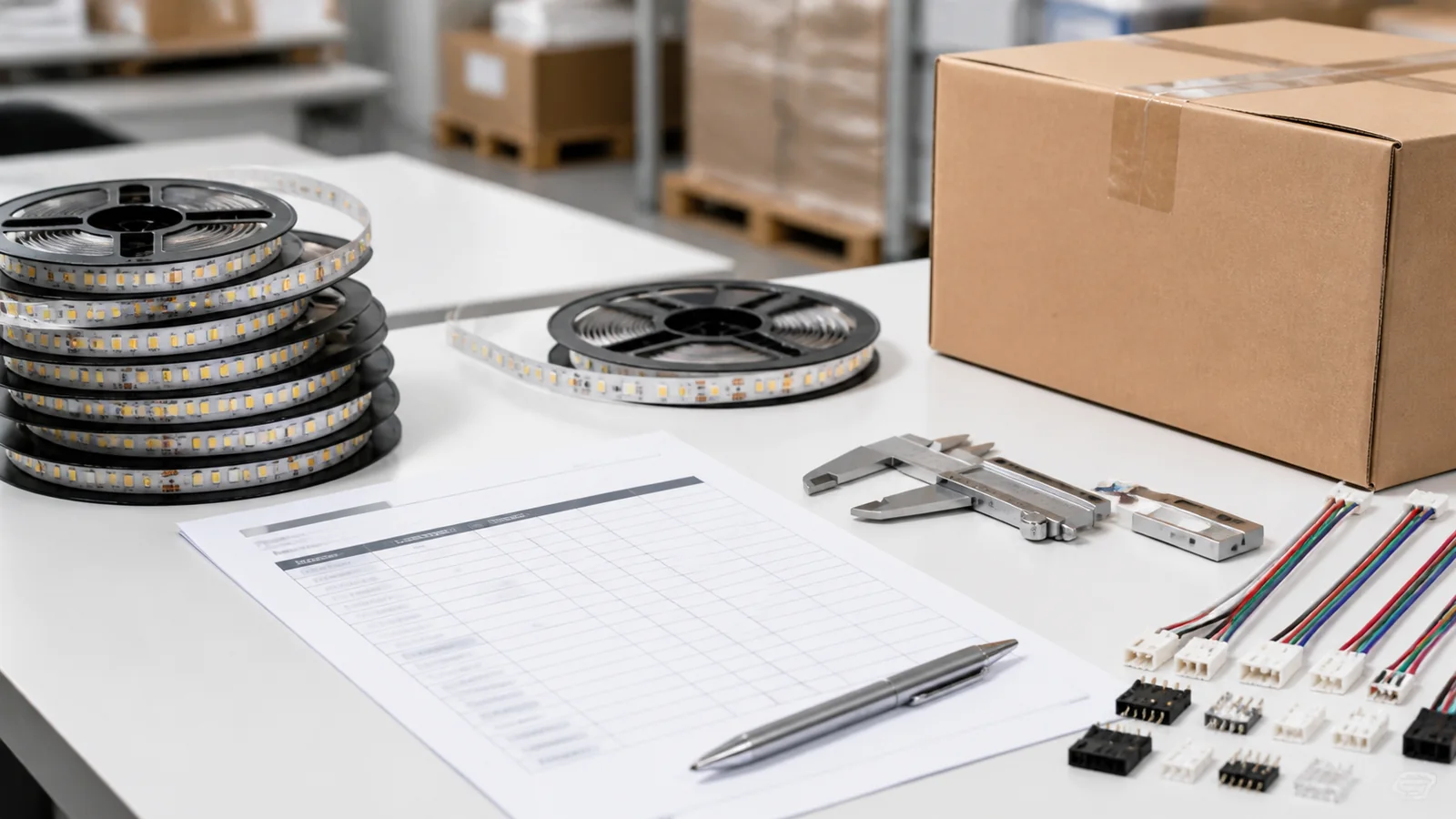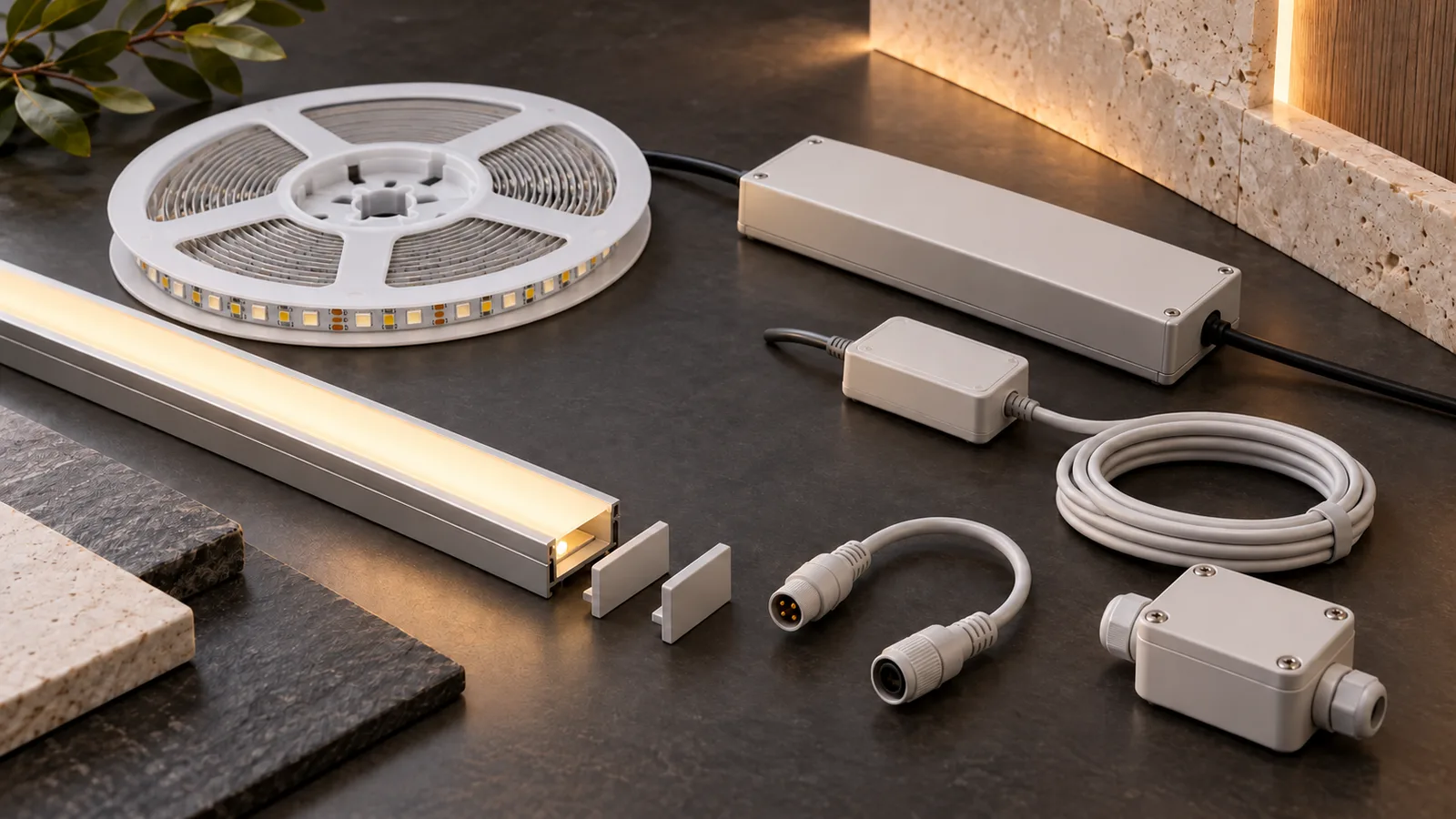
For a GCC fit-out, shortlist power equipment, a suitable profile, compatible connections, specified feed wiring, the required controls, environmental protection parts and service spares. The best choice in each category is the part that matches the selected strip and installation. Confirm which parts each zone needs and who supplies them before comparing the strip-only price.
A UAE retail contractor may buy tape from one supplier, profiles from a joinery subcontractor and drivers from an electrical distributor. Each item can look suitable on its own while the assembled system fails to fit or operate as intended. The purchasing task is to agree the interfaces between them.
Choose the categories by fit and installation risk
These seven categories cover the electrical, mechanical, environmental and service interfaces buyers need to settle. The checklist also suits a Saudi project supplier or GCC distributor preparing a repeatable offering. A single on/off dry-area zone may need fewer parts than a tunable-white wet-area zone.
The LEDVANCE strip-system catalog illustrates model-matched drivers, profiles, connectors and mounting parts. Its matching information belongs to its own products. It supports treating accessories as coordinated components, but does not establish compatibility with an LEDStripStar model or current GCC availability.
| Accessory category | Specify before purchase | Reject an incomplete quote when |
|---|---|---|
| Power equipment | Exact output, branch load, dimming method and operating conditions | Only nominal wattage is given |
| Profile assembly | Usable base width, outer envelope, diffuser and fixing method | Only the strip width is checked |
| Connections | Pad layout, construction, cable entry and electrical rating | A clip is described as universal |
| Feed wiring and distribution | Feed positions, route, conductors, terminals and protective design | Cable size is guessed from the tape length alone |
| Controls | Output type, channel mapping, interface and recovery behavior | Protocol name substitutes for a load match |
| Environmental parts | Complete joint and cable-entry treatment for the zone | Strip protection is assumed to cover every connection |
| Service spares | Exact references, retained samples and storage plan | Replacement parts lack a matching specification |
Seven categories to include in the accessory schedule
1. A driver or supply matched to the actual load
For constant-voltage tape, select the specified output voltage and review the driver’s loading instructions, operating-temperature limits and dimming arrangement. Ask for the full order code. Two units with the same nominal wattage may have different control behavior and installation limits.
Reel supply length is not permission to power the entire reel from one end. Break the drawing into branches, calculate the load and review feeds before selecting equipment. Use the power and voltage-drop guide. AC220V strip uses a different architecture and product-specific accessories; do not substitute a low-voltage driver or connector arrangement.
2. A complete profile, diffuser and fixing assembly
Order the profile by its usable internal base width and the outside envelope with diffuser, brackets and end caps fitted. A 3mm COB board does not imply that a complete profile will fit a 3mm joinery gap. Cable exit and access can require additional space.
Approve the lit assembly in the actual recess. Diffuser material, depth and mounting position affect both appearance and useful output. Confirm profile lengths, seams and fixing method with the supplier. The profile-selection guide gives the detailed dimensions to request.
3. Connections matched to the PCB and construction
Check board width, pad count, pad positions, polarity, coating and entry space before selecting clips or factory-prepared connections. COB and SMD products with similar widths can still require different contacts. The connector guide explains the mismatch risks.
Ask for electrical ratings applicable to the selected cable and installation. Retain a sample of the actual mating pair. If soldered connections are chosen, specify preparation, insulation and strain relief, with work by competent personnel. A loose cable should not pull directly on the strip’s copper pads.
4. Feed wiring and distribution parts designed for the route
Record each feed location and the actual cable route to it. The electrician needs load, conductor material, route length, installation conditions and the applicable protective design to size the wiring. A reel’s meterage alone is insufficient.
Include suitable terminals and accessible distribution enclosures in the schedule. Clearly identify the mains and low-voltage boundaries, with qualified electrical design and installation. Do not improvise a common supply by tying independent driver outputs together. The lead-wire guide covers the supplier-side wire details to agree.
5. Controls that expose the required functions
For fixed-white tape, decide whether on/off operation or dimming is required. For the 8mm tunable-white COB family, confirm the channel arrangement and supported combined load with the selected receiver. A compatible network protocol alone does not establish a compatible electrical output.
Agree wall interfaces, zones, local operation and restart behavior. In a managed fit-out, record who owns the commissioning settings and replacement procedure. Use the controller-selection guide to check the load before choosing the interface.
6. Joint protection and cable-entry parts for the environment
Identify whether the zone is dry, exposed to cleaning, or outdoors. For a protected strip construction, request the specified cut-end, joint and cable-entry treatment. A strip’s stated protection does not establish the protection of a newly cut or connected assembly.
Review glands, seals, compatible materials and strain relief as a complete arrangement with the equipment supplier. Do not select by appearance or add an arbitrary sealant. The connection-protection guide covers the questions to resolve. Site heat, dust and exposure vary within the GCC; confirm actual conditions rather than treating the whole region as one installation environment.
7. Matched spares and identification for maintenance
Retain the approved strip specification, accessory order codes, a reference sample and the final zone schedule. Agree spare quantities from project risk and service access rather than applying an unexplained percentage to every item.
Replacement tape needs the agreed color match as well as electrical compatibility. Replacement control equipment may need settings restored. Include storage conditions and responsibility for those records. The spare-order planning guide explains a structured approach for a large project.
Approve one complete assembly before buying separate cartons
Build a representative zone with the proposed strip, profile, connection, cable, driver and any controller. Review physical clearance and the lit result, then have qualified personnel check the electrical arrangement under the intended load. For exposed zones, review the complete protection method separately. A desktop assembly cannot establish every installed condition.
Attach the approved parts schedule to the RFQ. Record each item’s reference, quantity, supply owner and replacement requirement, and flag any unresolved match. Separate included parts from optional items and site-supplied parts before comparing bids.
Submit the strip scope through the quotation form with the destination, application, branch schedule and accessory list. LEDStripStar supplies strips subject to specification confirmation; the header is a conceptual planning kit, not a promise that every accessory is stocked or included. Standard products start at 500 meters and custom products at 2,000 meters. Confirm accessory supply and compatibility separately in the quotation.
Catalog & Sourcing Note
This article is prepared from our current product catalog and B2B specification workflow. Electrical, waterproofing and installation requirements vary by model and market, so confirm the final specification and approved sample before ordering.
Discuss Your Specification